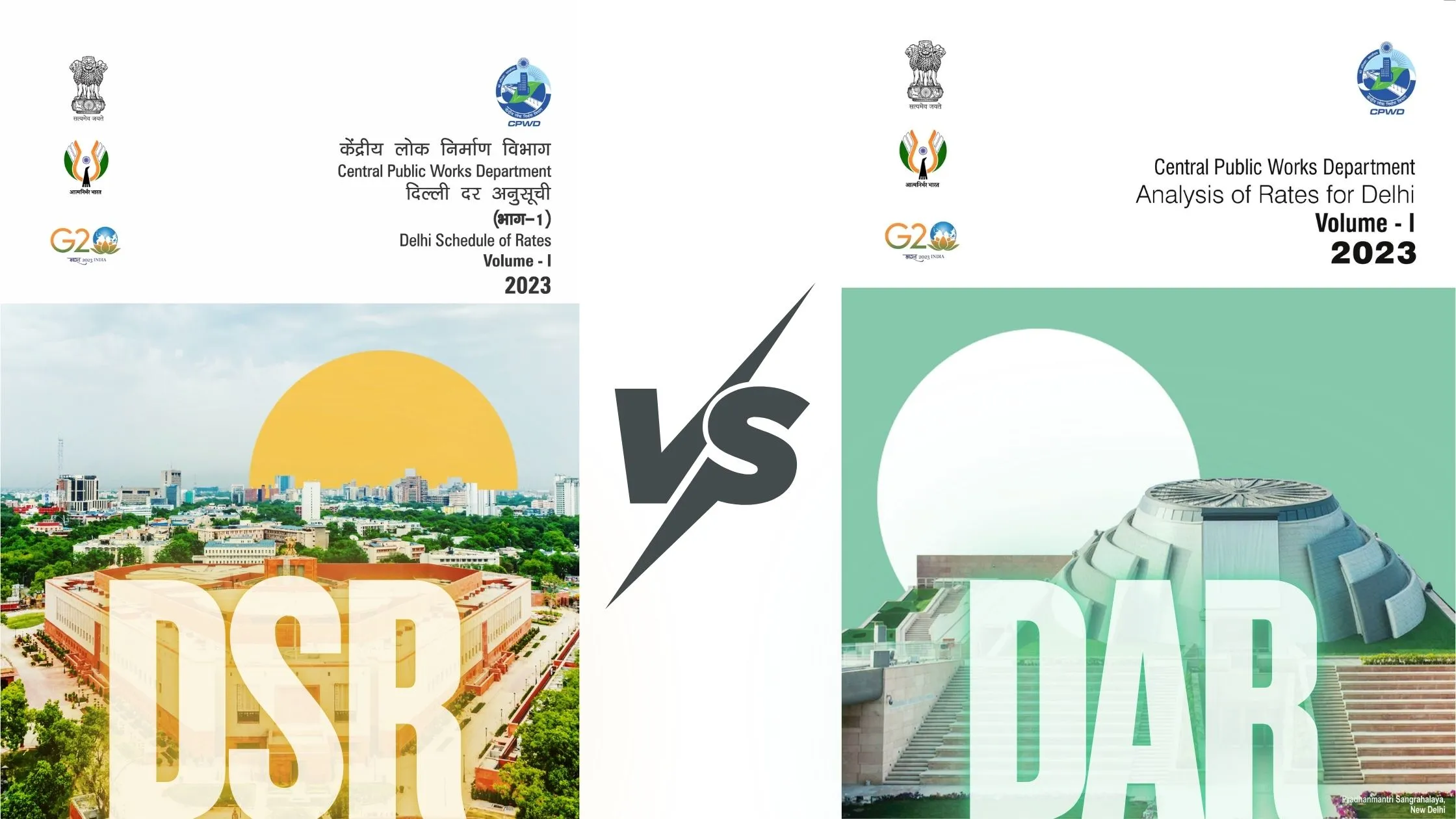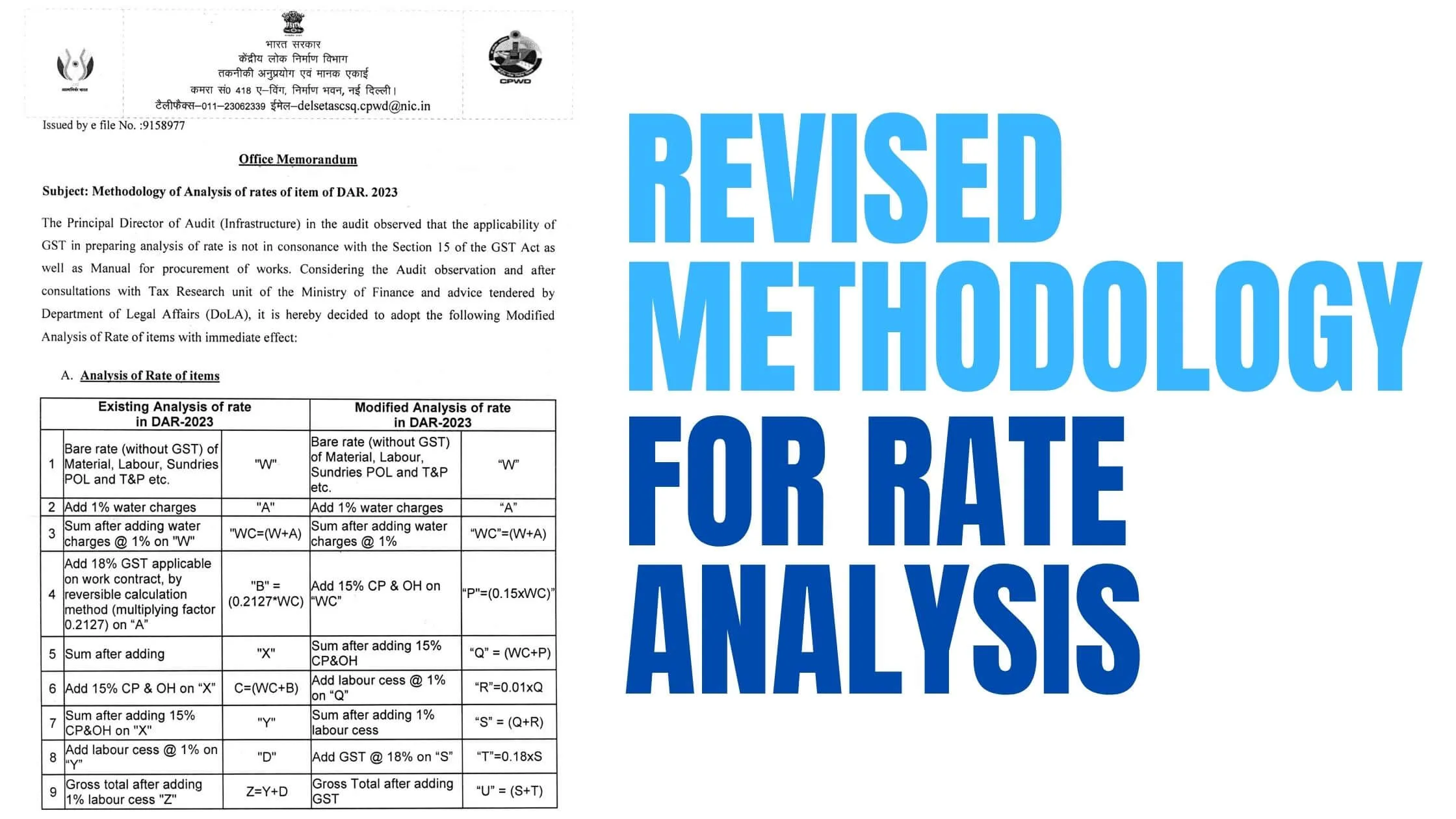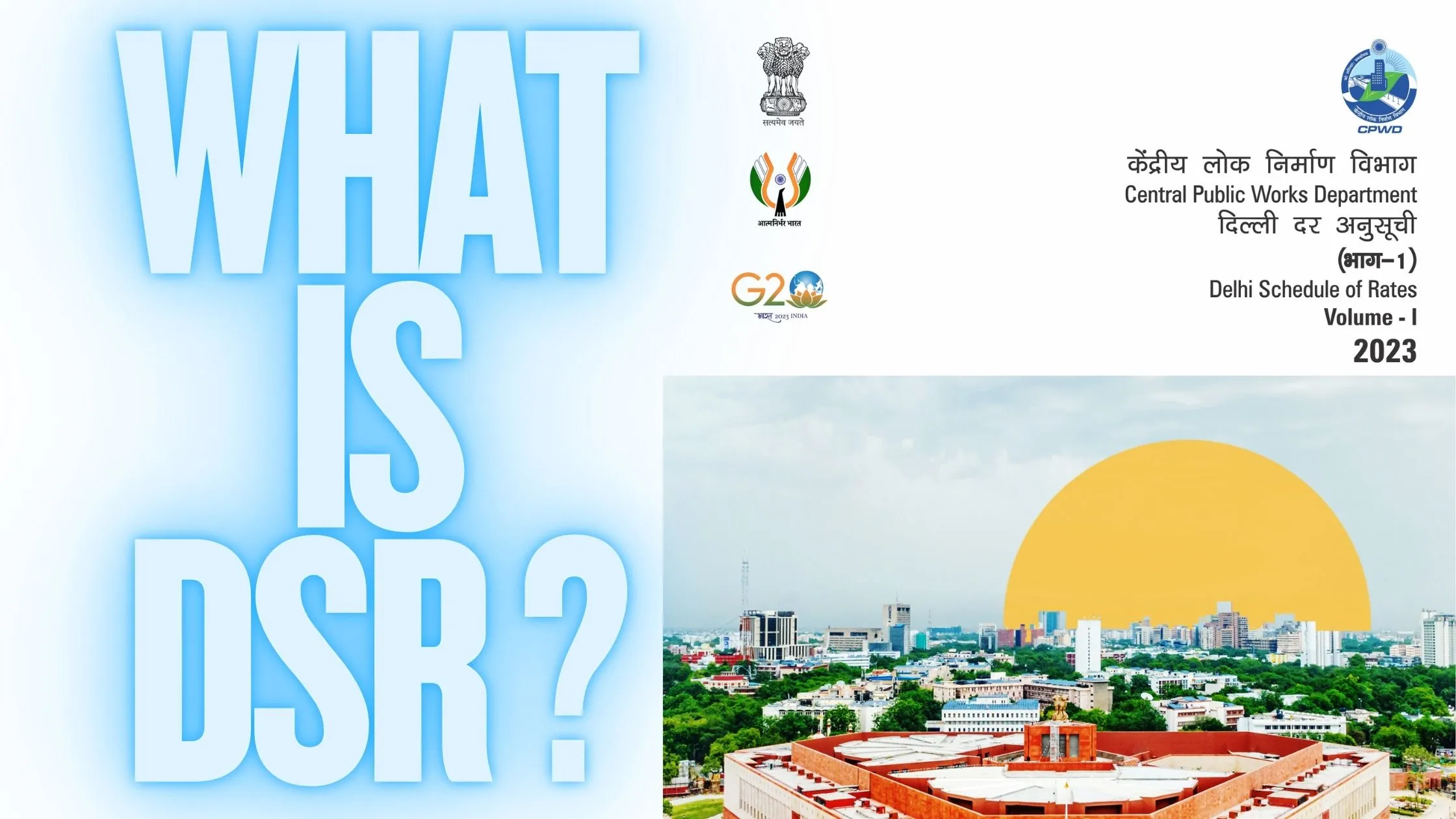
DSR stands for Delhi Schedule of Rates. It is published by the Central Public Works Department (CPWD). It is a technical document containing a list of items (called DSR items), each with its code, description, unit and rate, used for execution of works in the fields of Civil, Electrical & Mechanical (E&M) and Horticulture. DSR gives only the rate. How each rate is built up is shown in a separate book, the Delhi Analysis of Rates (DAR).
Who uses DSR?
DSR is used by CPWD and many Central & State Government Departments, Government Institutions, Public Sector Undertakings (PSUs), Architects, Consultants, Contractors and Engineers.
What’s inside a DSR?
DSR contains a list of technical items with their codes, descriptions, units and rates. Here is what it looks like.
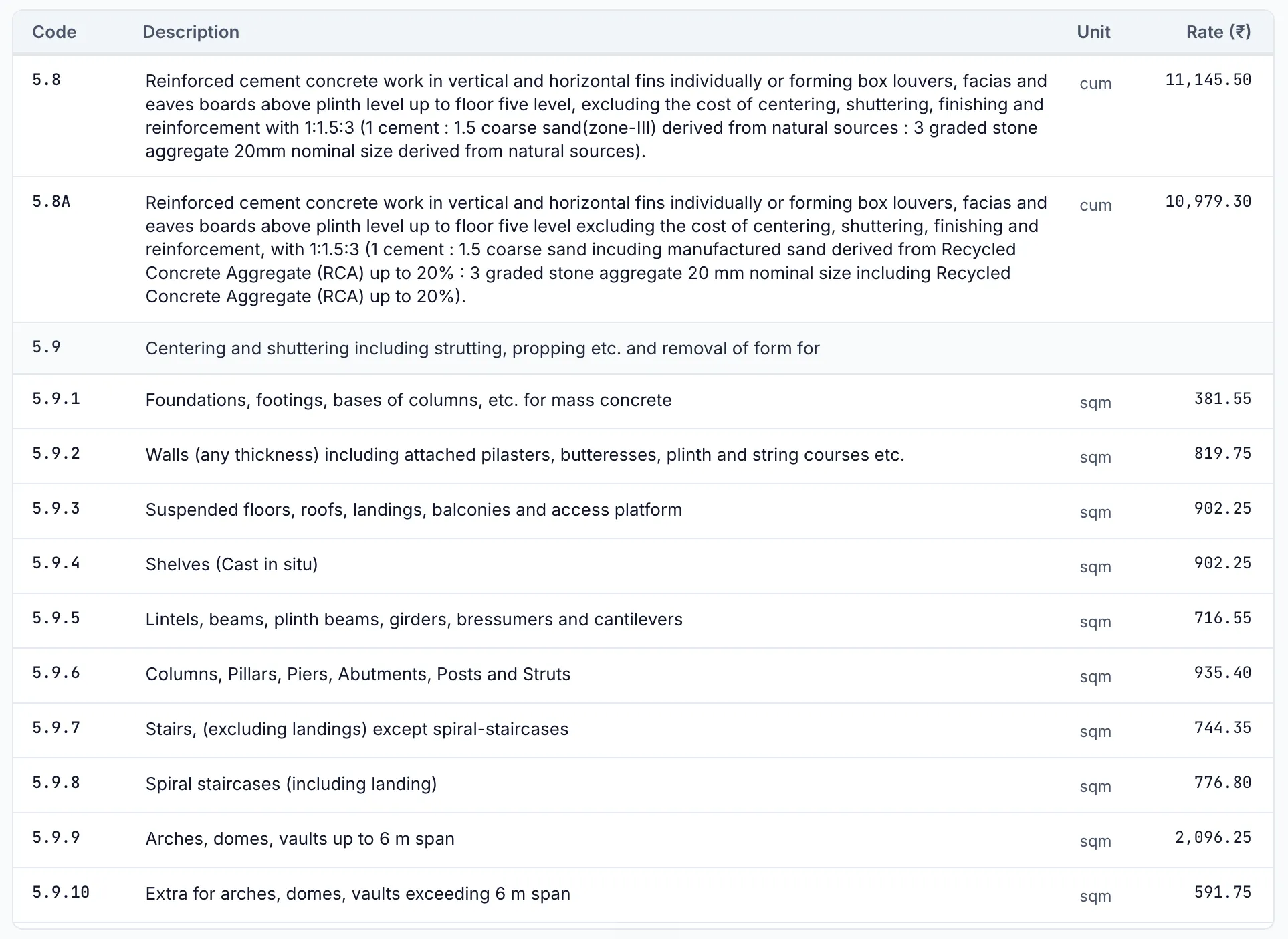 Source: DSR (Civil) - 2023 (rates as per the revised GST calculation circular, CPWD OM dated 08-Aug-2024).
How are DSR items grouped?
DSR items are grouped by the category of work, usually called Sub-heads or Chapters. In DSR (Civil), for example, Sub-head 5 is Reinforced Cement Concrete and Sub-head 10 is Steel Work.
How do you find the right item in DSR?
To find the right DSR item one has to understand what the item is exactly to as much detail as possible.
Consider an example where you want to find the item for reinforcement steel.
This involves a simple process:
Which sub-head does it belong to?
An Engineer new to DSR would look under Sub-head 10, Steel Work. An experienced Engineer goes straight to Sub-head 5, Reinforced Cement Concrete (RCC).
Is there a closer item in the same sub-head?
Knowing the sub-head is not enough. You need to know what the steel is going to be used for. Here are 4 different scenarios:
| Straightening, cutting, bending, placing, binding done at site: | |
|---|---|
| Works upto plinth level | 5.22 |
| Works above plinth level | 5.22A |
| Cut and bend rebars from factory including placing & binding at site | |
| Works upto plinth level | 5.22B |
| Works above plinth level | 5.22C |
Say the reinforcement steel is for RCC beams at the first floor level, with all work done at site. That takes you to 5.22A. It is a parent line with no rate, so you still need the type of reinforcement under it:
| Type of reinforcement | Code |
|---|---|
| Mild steel and Medium Tensile steel bars | 5.22A.1 |
| Hard drawn steel wire | 5.22A.2 |
| Cold twisted bars | 5.22A.3 |
| Hot rolled deformed bars | 5.22A.4 |
| Hard drawn steel wire fabric | 5.22A.5 |
| Thermo-Mechanically Treated bars of grade Fe-500D or more. | 5.22A.6 |
Which type and grade do you need?
Say the design needs Fe-550D. That falls under 5.22A.6, “Thermo-Mechanically Treated bars of grade Fe-500D or more”, which is the final item.
Why only Delhi rates?
To reach the rates of items, one must get the rates of how that item is built up from. Usually each DSR item is built from Material, Manpower and Machinery (called basic items). CPWD publishes one schedule, built on the market rates of Material, Manpower and Machinery in Delhi, the capital of India. The Manpower rates are taken from the minimum wages for Delhi, whichever is higher of those issued by the Chief Labour Commissioner (Government of India) and the Commissioner (Labour), Government of NCT of Delhi. The Material rates are Delhi market rates collected before the DSR is published.
How do you use DSR elsewhere?
But what if you are in another city? How can you use the DSR? There are 2 ways to go about it. One is by using something called Cost Index and the other is by reanalyzing each item based on the current market rates of their Material, Manpower and Machinery.
What is Cost Index? How to get it?
As per CPWD’s Works Manual 2024, Cost Index is “An indicator of the average cost movement over time of a fixed basket of representative goods and services related to execution of works.”
In simple terms, it is a correction factor on the DSR Rates based on the rates of Material, Manpower and Machinery (Basic Items) of that particular area.
The cost index for other places is issued by ADG/SDG, CPWD of that region. It is usually issued on 1st April and 1st October every year and is made available on the CPWD website https://cpwd.gov.in/ and usually inside Documents -> Circulars -> Cost Index. (Source: Works Manual 2024, para 3.1.1.9)
How to reanalyze the items as per current market rates?
Every DSR Item is built up of Material, Manpower and Machinery (Basic Items) and its analysis is mentioned in the Delhi Analysis of Rates (DAR). So one must go ahead and redo the analysis of each item one by one as per the area’s current market rates.
How can Costimator help you?
Costimator in the above case can help you in the following ways:
Searching Items
Filtering: Costimator helps you filter items by one click on the relevant Sub-head to scroll through the relevant sections.
Search: Costimator gives you all the search results right in one single list. You can be a bit off in your search and Costimator still finds the right item, thanks to its typo-tolerant search (unlike PDFs, where search jumps from page to page with no room for typos).
Reviewing items’ analysis of rates
In order to understand the item truly you will need to switch back and forth between DSR and DAR which is very painful in PDFs. In Costimator it is a one click transition from DSR item to its DAR.
Applying Cost Index in bulk
Costimator lets you add a project-level Cost Index that applies automatically to every DSR item in your Estimate.
True Market rate analysis
Costimator gives you a single list of all the unique Material, Manpower and Machinery items and their DSR rates that you can adjust the rates of based on your current market rates. Then one click and all the items are analyzed again for you.